 GaugecastA Yilmio app · in development
Your instruments, on every screen.
Gaugecast takes the gauges and data of your game and puts them on separate screens: a Logitech Flight Instrument Panel, a Stream Deck, or the browser of an old tablet or phone. It works with Microsoft Flight Simulator and Elite Dangerous.
- 2 gamesMicrosoft Flight Simulator 2020 and 2024, Elite Dangerous
- 3 kinds of screenLogitech FIP, Stream Deck, any web browser
- Automatic pagesThe right pages for the aircraft or ship you fly
- 7 languagesElite pages and Stream Deck names in the same languages as this site
How it works
Install it and fly
Gaugecast runs in the Windows tray. It finds the running game, recognises your aircraft or ship and picks the right pages for every screen.
Reads, does not hack
Flight data comes through Microsoft's SimConnect interface, Elite data from the game's journal files. No overlays and no memory hacks.
One core, many screens
Every screen gets its pages from the same core, so a new screen or a new game plugs in without starting over.
Two games today
Microsoft Flight Simulator
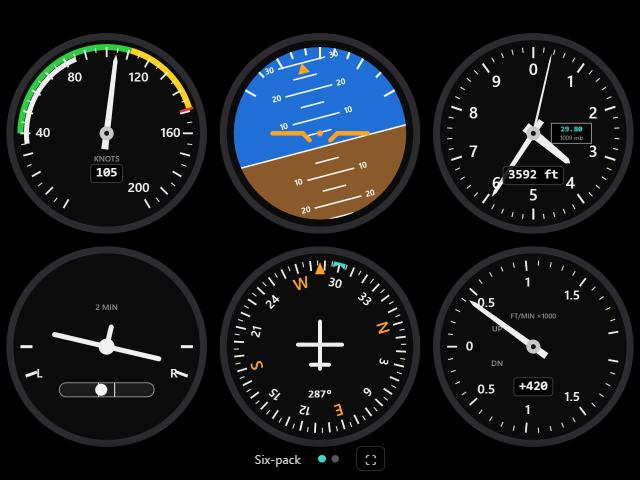
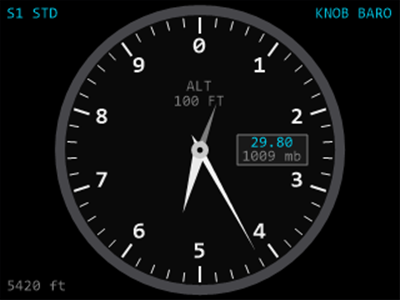
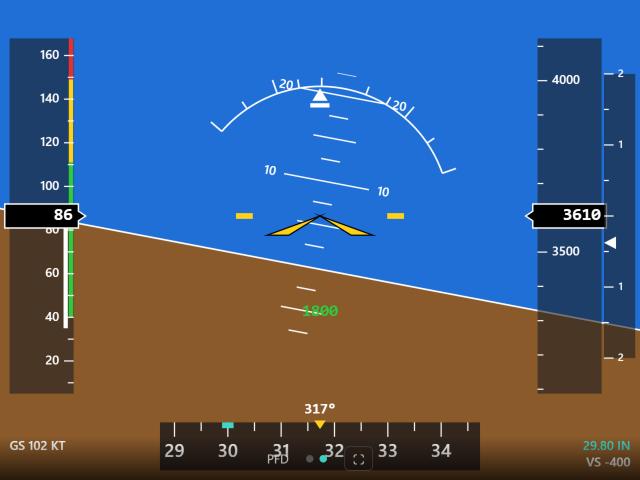
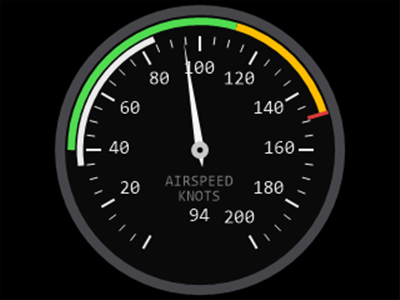
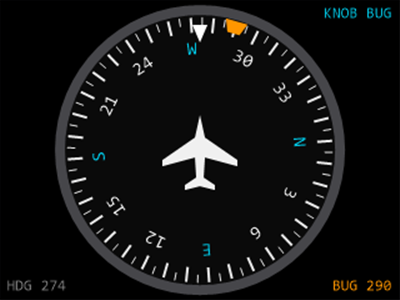
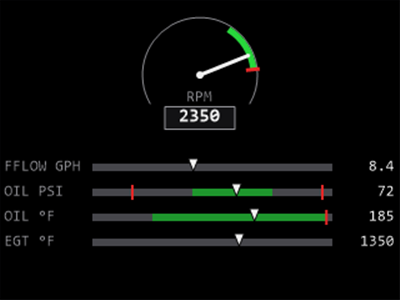
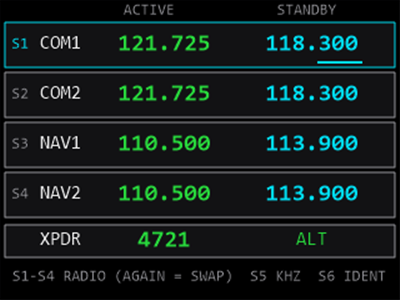
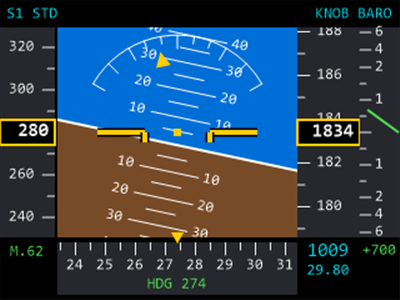
Six-pack, Garmin-style glass cockpit, engine, systems, autopilot and radio pages, plus Airbus flight display, navigation display and standby instrument. Profiles cover the default aircraft of MSFS 2020, and MSFS 2024 aircraft are matched by family. The knobs set the barometer, heading bug, autopilot targets and radios.
Note: some gauges may look slightly different in MSFS 2024. Several aircraft changed when they moved from MSFS 2020 to 2024, and Gaugecast follows each version's own cockpit.
Flight Simulator pagesElite Dangerous
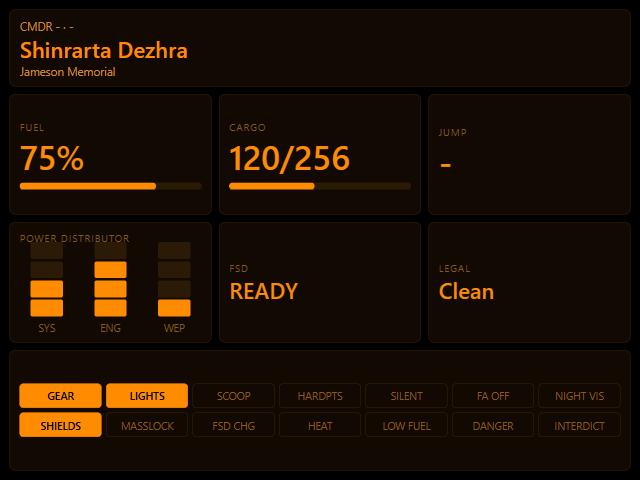
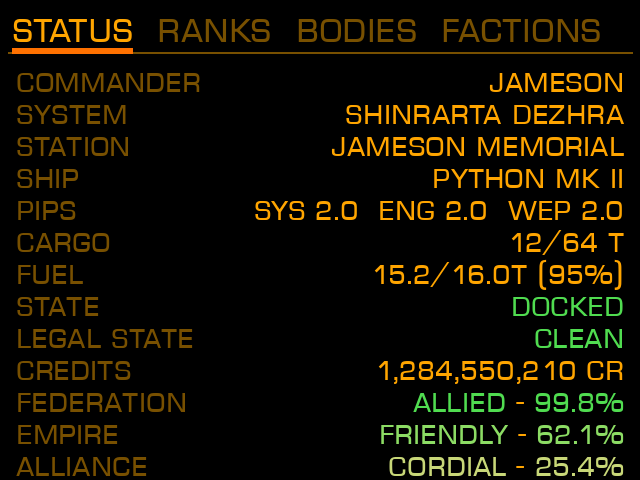
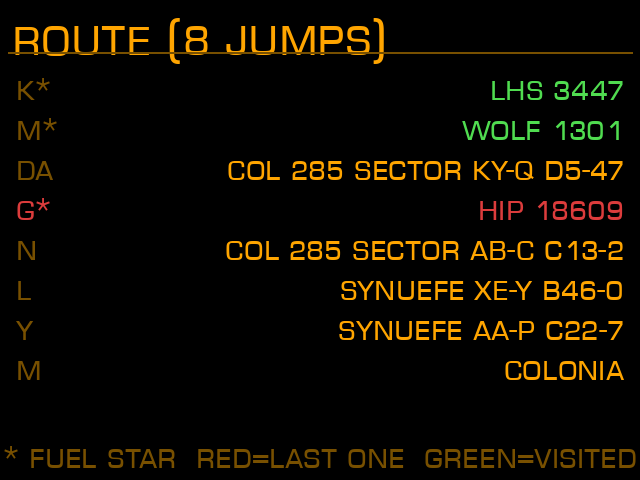
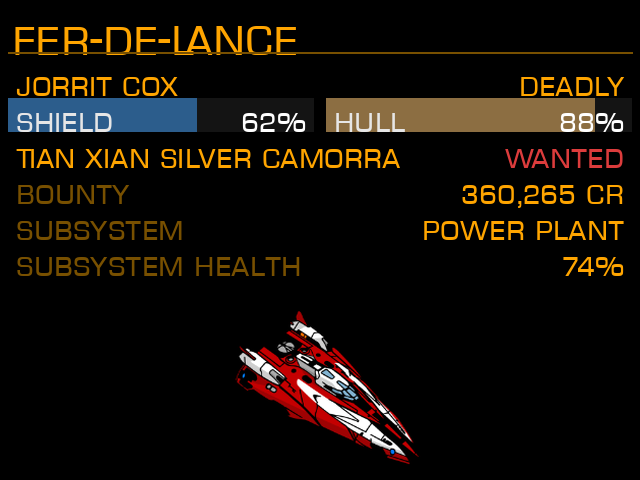
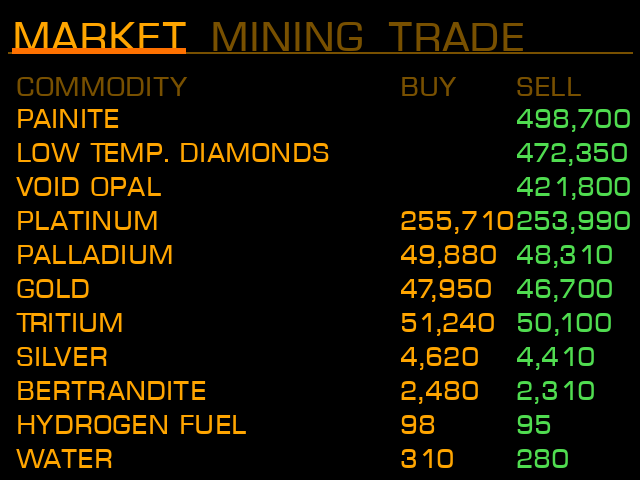
12 pages: status, nav route, target, missions, ships, cargo, market with live community prices, chat, ship locker, backpack, on foot and deals. When you leave the ship, the on-foot pages come up by themselves.
Elite Dangerous pagesThree kinds of screen
Use one of them or all at once. Each screen keeps its own pages.
Logitech Flight Instrument Panel
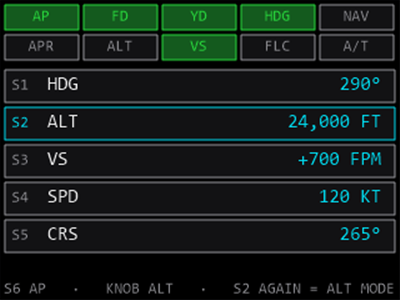
The left knob turns the page, the right knob sets the value. The S1 to S6 buttons light up when a page uses them. One panel or several, each with its own pages.
Tablet, phone or second monitor
Open the address Gaugecast shows on any device in your home network. Swipe for the next page, tap to pick, go full screen and the display stays awake. Nothing to install on the device.
Stream Deck
Put any of about 235 flight values or 325 Elite values on a key or dial. Keys switch lights, gear and autopilot modes; dials set the barometer, radios and autopilot targets. Elite keys send your own key bindings.
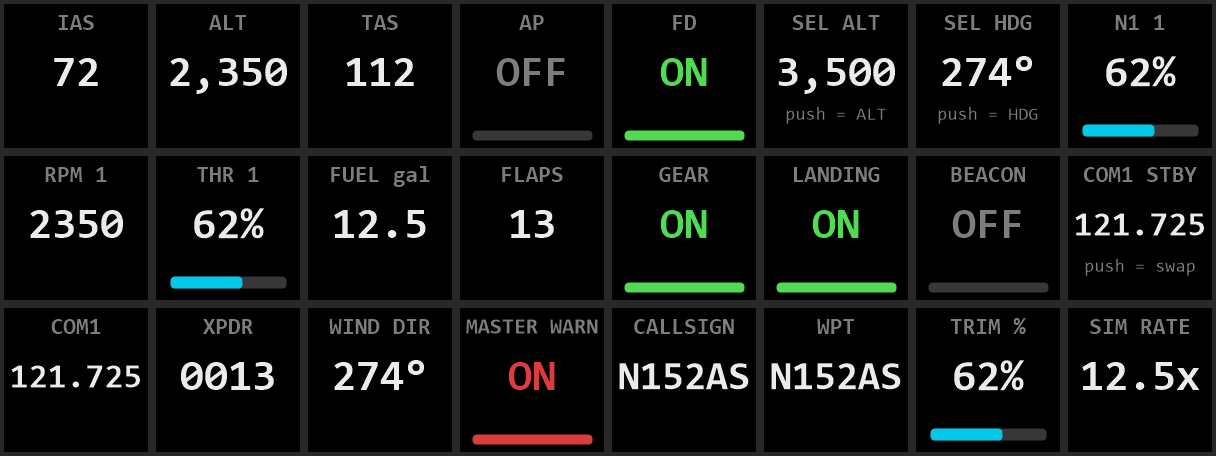
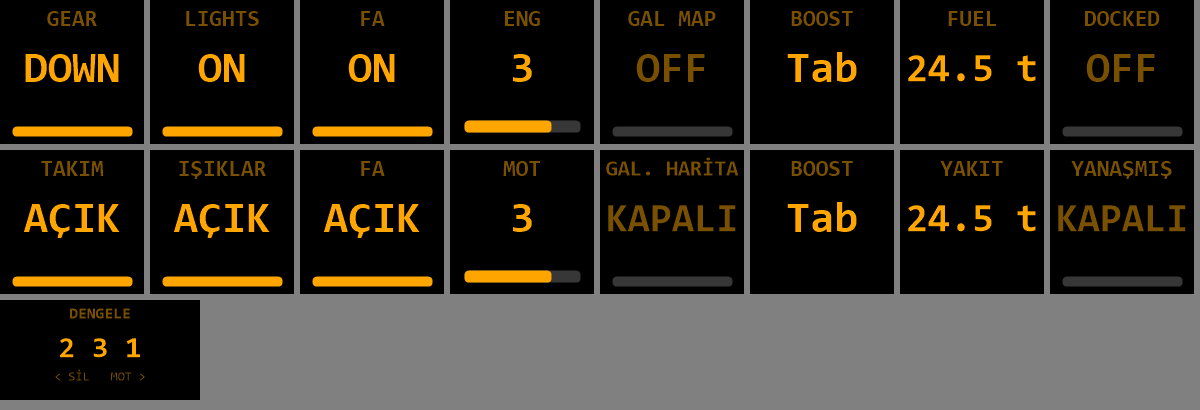
Flight Simulator pages
A few of the pages, drawn by Gaugecast at FIP size. Which pages you get depends on the aircraft.
Note: some gauges may look slightly different in MSFS 2024. Several aircraft changed when they moved from MSFS 2020 to 2024, and Gaugecast follows each version's own cockpit.
Elite Dangerous pages
Four of the twelve pages, shown in the language you picked at the top of this page.
What you need
- A 64-bit Windows PC. The installer brings everything Gaugecast needs and asks for no administrator rights.
- Microsoft Flight Simulator 2020 or 2024, or Elite Dangerous.
- At least one screen: a Logitech Flight Instrument Panel, a Stream Deck, or any device with a web browser on the same network.
Gaugecast is in development. Price, licence and download will be announced on this page.
Contact